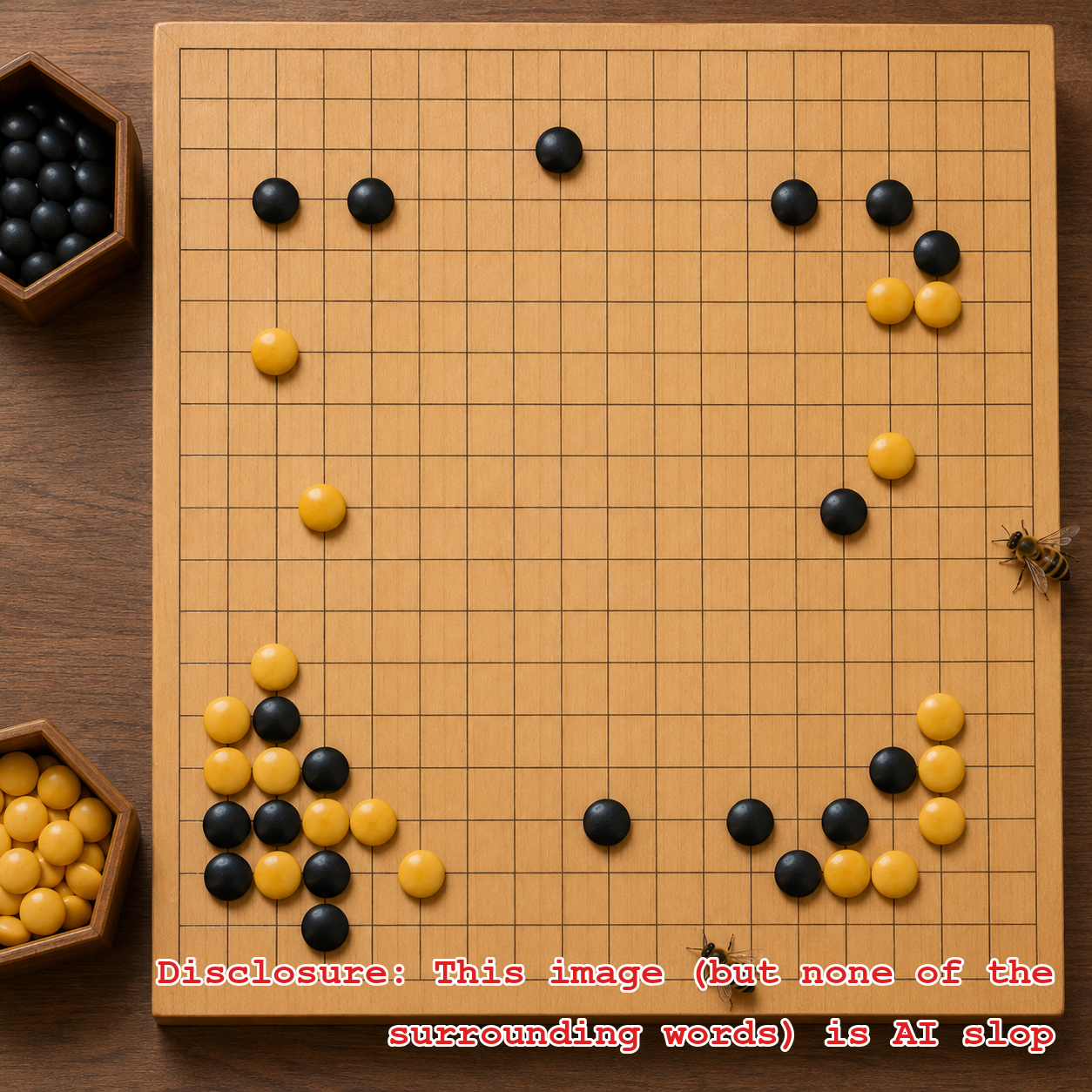
Ta-da! Our newest autodata integration is with Go Problems. As in Go, the game. And problems as in puzzles, AKA tsumego. Like chess puzzles, you get a Go board in mid-game and have to figure out where to place the next stone. In chess you’re typically tasked with trying get a checkmate in a certain number of moves. In tsumego you have to figure out what moves either kill a group of your opponent’s stones, or keep them from killing one of yours. For example, not like this:
How the integration works
Head to beeminder.com/new, pick the Go icon from the list of integrations, and enter your username for Go Problems and the number of problems you’re committing to solve per day. That defines the bright red line on your graph that your datapoints have to stay above. You can put in something like 1/3 if you want to solve one Go problem every 3 days. Or 2/7 if you want to solve 2 per week. You get the idea.
And lo! A spiffy new graph that fills itself in as you (wait for it) go:
Fine print: If you’ve already done your Go problems for today, create the goal with at least a day of safety buffer. We do fetch your total number when we create the goal but your commitment starts from whatever that number is.
Wait, I’m here from goproblems.com and new to Beeminder
Welcome! You might want to check out our getting started guide in our Help Docs, and then get yourself signed up. Assuming you’re on board with the commitment device, paying-money-if-you-go-off-track bit, the beauty of an autodata integration is that you don’t normally need to interact with Beeminder once you’ve gone through the process above of setting up your commitment. Just do your Go problems when Beeminder yells at you.
Ok, and in case you didn’t actually read any of this and jumped down here for the punchline, just click this button and there’s a decent chance you’ll figure it out as you…
(See also the full documentation of the Go Problems integration in our help docs.)
Recommended Posts

Beeminder ♥ BoardGameGeek
2026-03-31 • bsoule
Beeminder ♥ Steam: Announcing the Steam Autodata Integration
2026-01-20 • bsoule
Beeminder ♥ Project Euler
2019-11-05 • dreev
Quantified Self Talk: Tracking My Personal Reliability
2019-04-13 • dreev
Beeminder ♥ Toggl
2018-09-07 • dreev