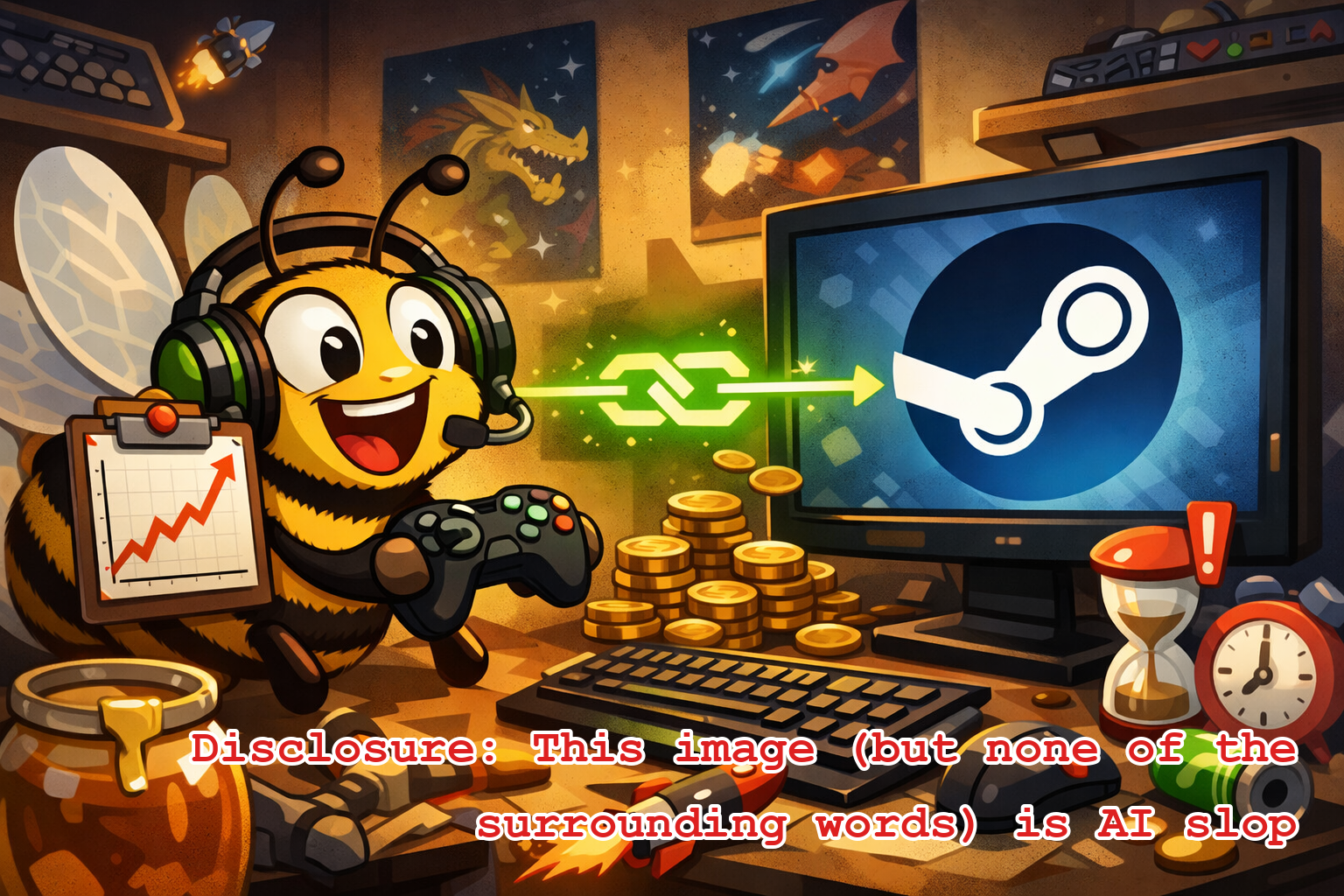
We’re excited to officially announce our newest autodata integration: Steam!
Yes, the gaming platform. Do you buy too many games and then never get around to playing them? Do you spend too much time on that one game and have regrets? We have a solution for you. Spoiler alert: it’s Beeminder. It’s always Beeminder.
If you’re new to Beeminder, we help you do the things you want to do by bringing long-term consequences right up and into your personal space. We do that by charging you money today if you’re straying from the track to reach that goal by some distant tomorrow.
So what does goal setting have to do with Steam?
Well, what if you have a backlog of 14 games you bought last year that you haven’t touched at all yet? You can set up a Beeminder goal to spend more time playing games on your Steam account. Or if those unplayed games are sitting there staring at you accusatorily while you keep playing Some Other Game obsessively, you can also set up a Beeminder goal to limit your time with that SOGgy bottom.
Then if your game time playing SOG racks up too far and you go over the bright red line, you get charged money. Contrariwise if you have a “spend more time playing”-type goal for the backlogged games, you get credit for playing your games. If you don’t play enough, you’ll also get charged. So if you’re the type of person who manages to feel guilty about spending time doing things you enjoy, or even just if you sometimes forget because you were too busy flicking through you-tok-gram, now you’ve set up an ironclad excuse for doing what you wanted to do anyway. “Sorry, I have to go play video games for 5 minutes or I’m going to get charged $10.” How’s that for self-care?
Detail-ey-doodles
To set up a goal you’ll look for the Steam logo in the new goal page and enter your Steam Id:
We check that we can actually see your profile — your profile has to be public for us to read your info. If the settings are copacetic then we fetch your owned games and show you the next goal creation screen. There are three main things to fill out here.
Select a game to beemind (or All Games)
Choose between do-more and do-less. If this choice is not self-explanatory, you’d better go back to square one.
Pick the daily time you’re commiting to (for now — you can always change it for next week if the rate you pick here is not quite right)
Then all you’ve gotta do is play your games. Beeminder automatically fetches the time you’re spending and logs it on your goals. While you are playing your game, Steam only updates the information available to Beeminder in half-hour increments. It updates immediately once you exit your game.
So if you’ve set up a Do More goal, and you are down to the wire on getting your last few minutes in before the goal deadline, you may need to exit the game for the values to update. And same for a Do Less goal. If you have less than 30 minutes of buffer on the goal, you may need to exit the game to get an up-to-the-minute count of your time in Beeminder. But either way, Beeminder won’t necessarily be accurate to the minute if you’re actively playing your game.
If you’re sold, head to beeminder.com/new, pick the Steam icon from the list of integrations, and follow the prompts to connect Beeminder to your Steam account. Or, here, have a button:
(See also the full documenation of the Steam integration in our help docs.)
Recommended Posts
Beeminder ♥ Go Problems: Announcing the goproblems.com Autodata Integration
2026-07-07 • bsoule
Beeminder ♥ Project Euler
2019-11-05 • dreev
Quantified Self Talk: Tracking My Personal Reliability
2019-04-13 • dreev
Beeminder ♥ Toggl
2018-09-07 • dreev
Newbee Corner: Beemind Your Writing (By Word Count, Automatically)
2017-04-04 • dreev